
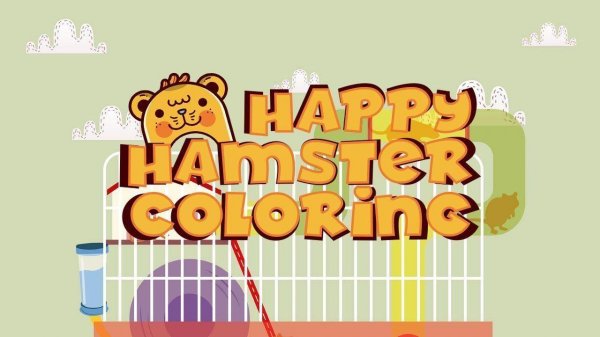
Choosing and Coloring Hamster Pictures
Hamster Coloring Fun opens with a menu of eight hamster illustrations. Each picture is a separate coloring page, so a child selects the one they want to work on rather than moving through a single canvas. The palette sits beside the image, and tapping any swatch sets the active color. From there, the player taps areas of the hamster to fill them. Colors can be swapped at any time, which means a child can test one combination, change their mind, and keep building the picture without starting over.
Saving and Sharing Finished Artwork
When the coloring is done, a camera button captures the image and downloads it. That file can be kept as a digital copy or sent to relatives and friends. Because the download step is built into the game, there is no need for a separate screenshot tool or file manager. The process is deliberately short: color, tap the camera, and the picture is ready to share.
Who This Coloring Game Suits
The design targets young children and families. Eight pictures keep the choice manageable for a short session, and the palette removes the need to mix paints or manage physical supplies. There are no ads, and the game is described as safe for all ages. The activity supports color recognition and fine motor control as children decide where each color goes and tap precisely to fill each section.
Comments
0 comments