
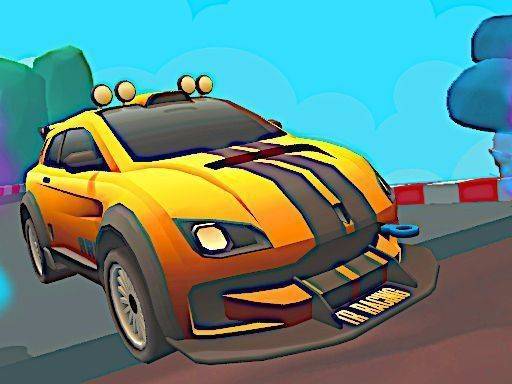
Track Design and Atmosphere
Each circuit in Mini Circuit Speed Run has its own visual theme, ranging from sunny coastal roads to winding mountain paths. Tracks combine tight corners with longer straight sections, so you constantly adjust your driving style. The bright, cheerful color palette keeps the mood light and family-friendly. Stylized environments still provide visual cues that help you anticipate upcoming turns and elevation changes.
Vehicle Handling and Control
You steer the mini car using either touch or tilt inputs, which makes the game easy for newcomers to pick up. Acceleration can be automatic or manual depending on the control scheme you choose. Braking and drifting are essential for maintaining speed through curves. Drifting is especially rewarding when done correctly, letting the car slide around corners without losing too much momentum. The handling model is forgiving enough for casual play but offers enough depth for players who want to refine their racing lines.
Competition Modes
Two primary modes give you flexibility. Quick Play drops you into a single race with minimal setup, ideal for short sessions. Tournament Mode strings together a series of races across different tracks, awarding points based on finishing position. Consistency matters here, as one poor result can drop you in the standings. A local two-player mode lets two people race on the same device, each controlling their own car, adding a social element without an internet connection.
Skill Development and Strategy
Success in Mini Circuit Speed Run comes from learning each track's layout and mastering the drift mechanic. Braking early for sharp turns prevents spinouts, while smooth acceleration out of corners improves lap times. In Tournament Mode, playing conservatively and avoiding risky overtakes can be more effective than aggressive driving. Quick races serve as practice sessions, letting you test different approaches before committing to a championship run. Over time, muscle memory develops for the trickier sections, leading to more consistent performance.
Comments
0 comments