
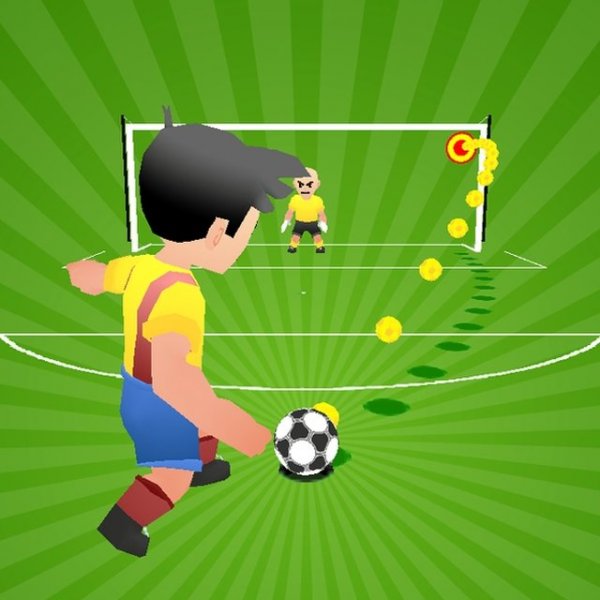
Core Free Kick Mechanics
Soccer Free Kick Challenge 2024 strips soccer down to one repeated action: taking a free kick. You aim with a pointing device and click to send the ball toward the goal. A line of defending players and a goalkeeper stand between you and the net. The challenge comes from reading their positions and picking a path that gets the ball through. There are no passes, dribbles, or open-play sequences — every attempt is a set piece.
Practice Mode and Main Game
The game offers two distinct ways to play. In practice mode, you shoot against a stationary wall and a goalkeeper that does not move. This gives you a low-pressure space to learn how aiming and clicking translate into ball direction. The main game mode replaces that static setup with a moving wall of players and a goalkeeper that reacts to your shots. The shift from predictable to reactive defenders is the game's main difficulty curve.
Player Customization and Device Support
Before stepping up to take a kick, you personalize your soccer player's appearance. Options include shirt color, hairstyle, and skin tone. This customization is cosmetic and does not affect how the ball behaves. Built with HTML5, the game runs on desktop computers, smartphones, and tablets, and it supports full screen viewing. The control scheme stays simple across devices, which keeps the focus on shot placement rather than complex inputs.
Improving Your Free Kicks
Practice mode exists for a reason: use it to build a feel for ball movement and aiming before facing reactive defenders. In the main mode, watch the wall and goalkeeper positions rather than shooting immediately. Try different angles and different amounts of power to see what clears the defense. Each free kick is a fresh attempt, so patience and consistent focus matter more than rushing. Regular practice is the most direct route to better accuracy.
Comments
0 comments